

This is a tentative tutorial for banner making, I've never made a tutorial before so I've never had to think much about my own process... i.e. this might be a bumpy ride folks! Consider yourselves warned!
Here we go!
1. Picking pictures and textures, I selected two Julie Benz pics and these two textures from HisMrs allnightnoise.com
http://i202.photobucket.com/albums/aa29/TheWhisky/Tutorial/tex49_zpsxsfowgrk.jpg
http://i202.photobucket.com/albums/aa29/TheWhisky/Tutorial/tex48_zpsknvt9yhv.jpg
2. Open a new canvas 500x150px
3. Re-size and add your pictures into two separate layers
4. Placing your pictures, use the erase tool to set them as you want them
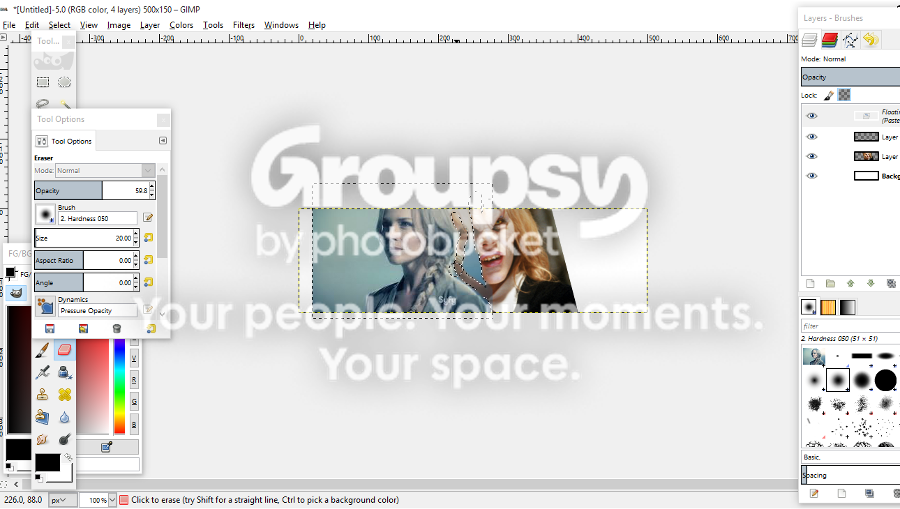
5. Add a new transparent layer, past the first texture into it and use the opacity tool so you can see your images underneath
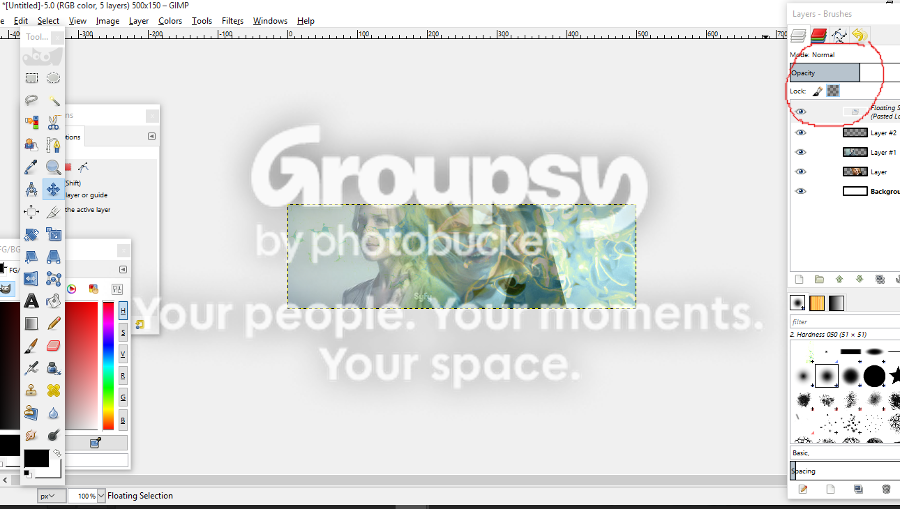
6. Use the erase tool, on low opacity, to enhance selected portions of the images
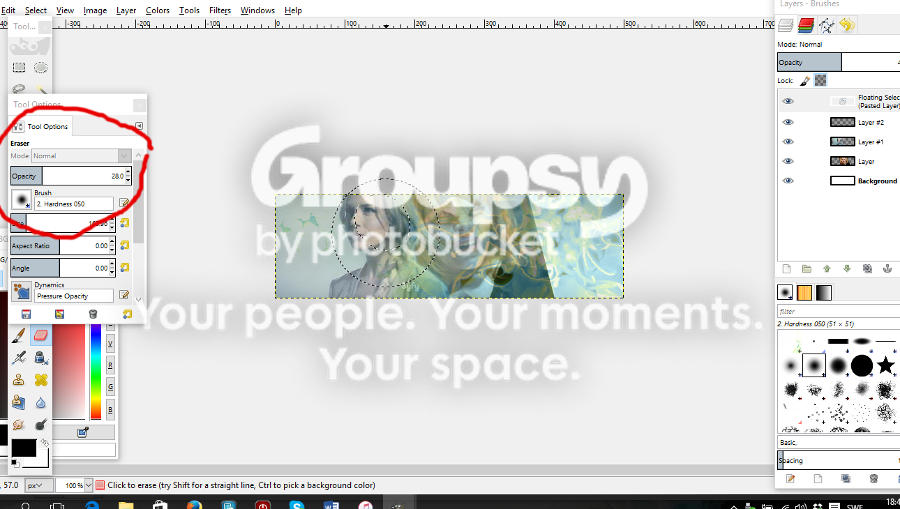
7. Use curve and colors on the images
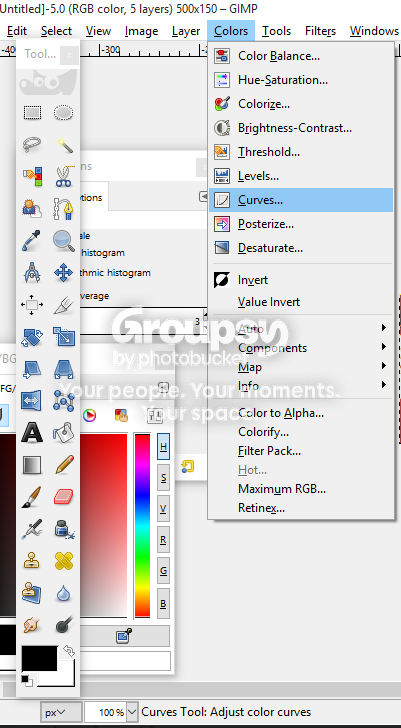
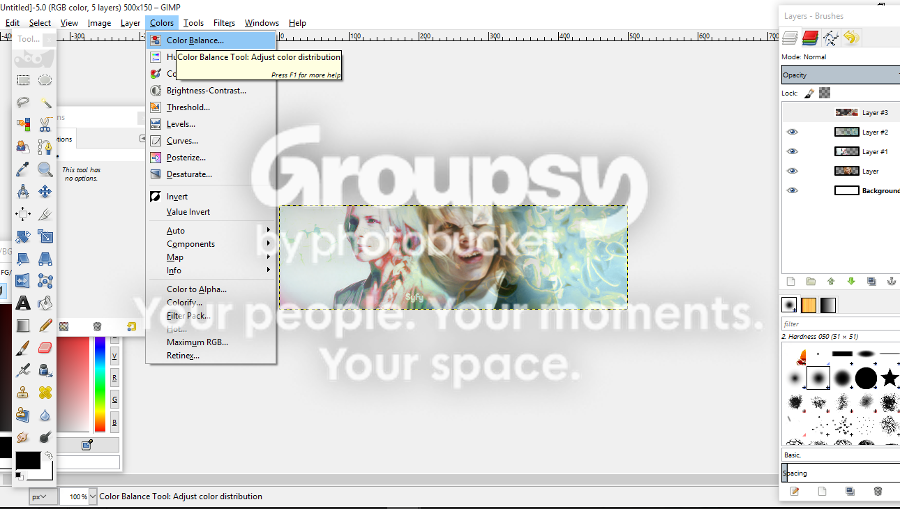
8. With a new transparent layer add the second texture
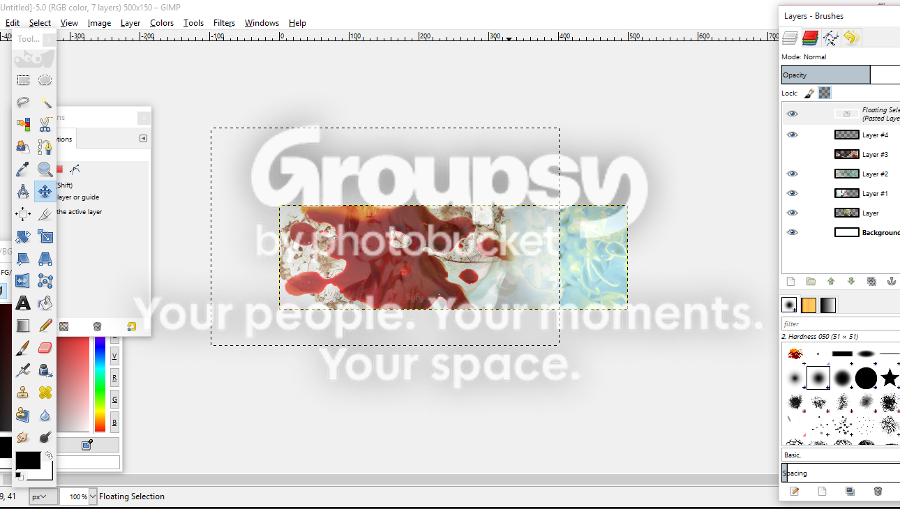
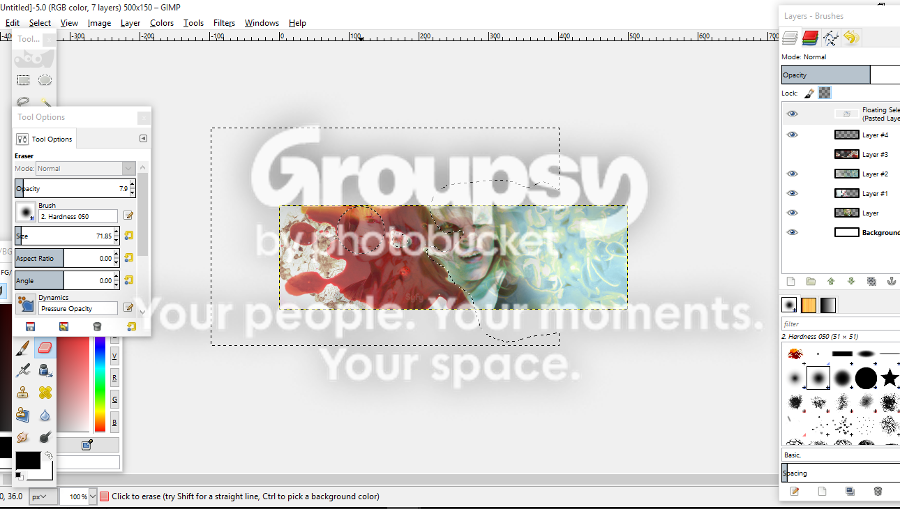
9. Again use the eraser tool on a low opacity to enhance the portions you want
10. Use curves on the texture
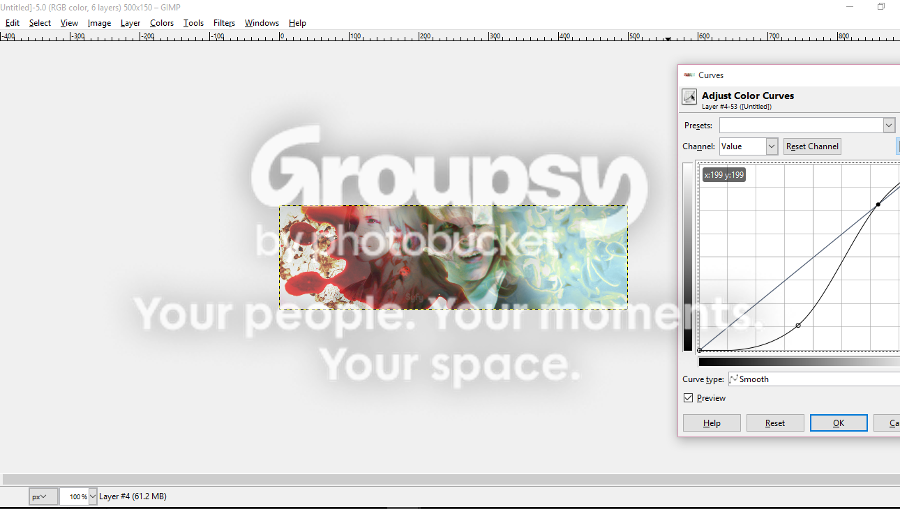
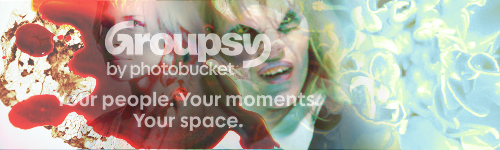
Then I blurred the Syfy sign on one of the Julie pics
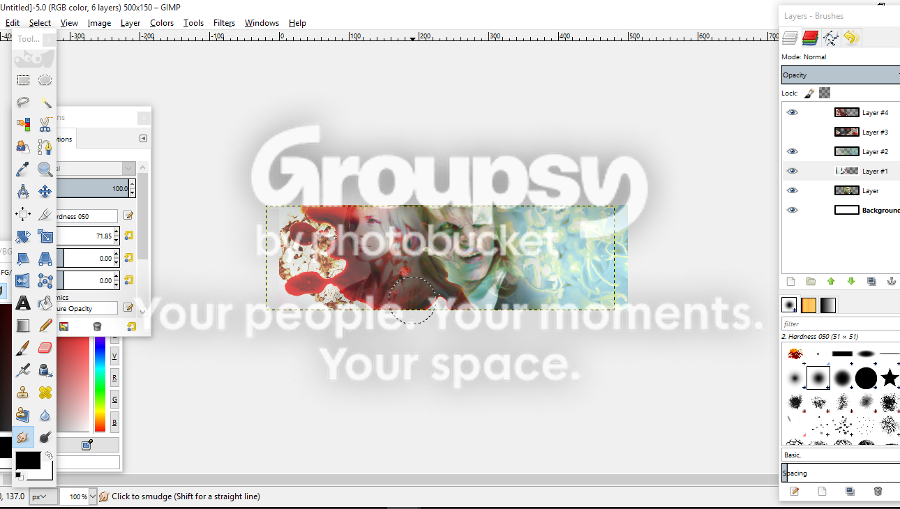
11. Add text if you want
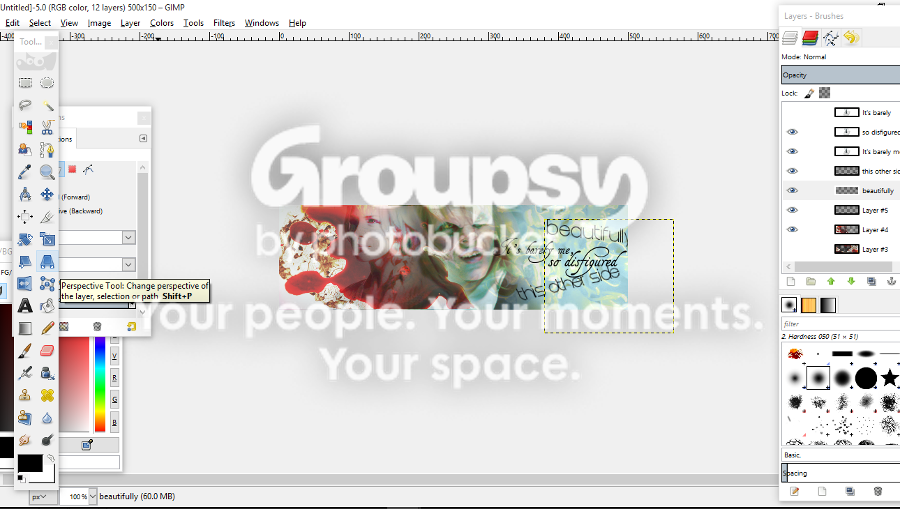
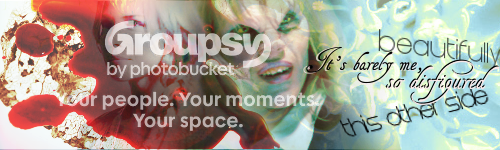
12. End Result
Please let me know if you thought this was helpful,
next tutorial, if you want it, will be for this 🙂
🙂
Here we go!
1. Picking pictures and textures, I selected two Julie Benz pics and these two textures from HisMrs allnightnoise.com
http://i202.photobucket.com/albums/aa29/TheWhisky/Tutorial/tex49_zpsxsfowgrk.jpg
http://i202.photobucket.com/albums/aa29/TheWhisky/Tutorial/tex48_zpsknvt9yhv.jpg
2. Open a new canvas 500x150px
3. Re-size and add your pictures into two separate layers
4. Placing your pictures, use the erase tool to set them as you want them

5. Add a new transparent layer, past the first texture into it and use the opacity tool so you can see your images underneath

6. Use the erase tool, on low opacity, to enhance selected portions of the images

7. Use curve and colors on the images


8. With a new transparent layer add the second texture

9. Again use the eraser tool on a low opacity to enhance the portions you want

10. Use curves on the texture

Then I blurred the Syfy sign on one of the Julie pics

11. Add text if you want

12. End Result


Please let me know if you thought this was helpful,
next tutorial, if you want it, will be for this
 🙂
🙂
Skanky Vamp
You trying to make me look bad by getting yours out before me? You cheated anyway by sneaking in my head when I wasnt ready and taking my idea.


