Xaphania's Artwork IV

Status
Not open for further replies.
Wow, so many comments. Thank you everyone. 😀

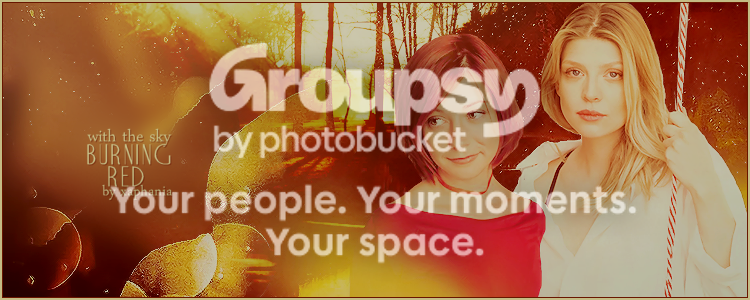
Just one update... banner for the Willow/Tara fic I'm about halfway through writing. I needed a break from writing, so decided to make the banner.

127ce3d0.png
 
S
soulunsung
That is pretty! ;)
Abbeycat
Abbeycat
That looks amazing!
S
Skytteflickan88
Amazing as usual. Maybe use the blur tool on the Tara & Willow's edges though?
Thanks all!

Now for something a little different... trying my hand at manipping again. I'm still not perfect, but nevertheless I present to you...

William the Bloody and his Wenches
(Pretend they had photographs back then 😛)


Click to see fullsize

Credits/Resources
http://elandria.deviantart.com/
http://lockstock.deviantart.com/
http://mizzd-stock.deviantart.com/
http://castock.deviantart.com/
http://dawnallynnstock.deviantart.com/
Slayerverse Gallery
Civilized James
SMG France
Other textures unknown
 
Tillow4ever
Tillow4ever
LOL! That's great!!!!!
Thanks all. 😀
d6c2f046.png

I love banners that have this special "effect" on them. Like you've done something specific to the images to make them fade into the texture, or the other way around.

The pic to the right on Abbeycat's banner you made has the same quality, it has no dark shadows, but it doesn't look too bland, like when I normally lower the opacity on images.

Could you give me some advice, if you know what I'm talking about, like position of texture, or if it's simply about opacity, etc etc or maybe whip up a quick tutorial of one of these banners?
 
T
TaylorSwift
I'd love some tutorials!!!
I love banners that have this special "effect" on them. Like you've done something specific to the images to make them fade into the texture, or the other way around.

The pic to the right on Abbeycat's banner you made has the same quality, it has no dark shadows, but it doesn't look too bland, like when I normally lower the opacity on images.

Could you give me some advice, if you know what I'm talking about, like position of texture, or if it's simply about opacity, etc etc or maybe whip up a quick tutorial of one of these banners?

Oh oops, I'm sorry I didn't see this until now! I know how I acheive the effect you mean and it's so simple that I'd feel guilty for writing a tutorial on it, lol. Whenever I use it I do feel kind of like I'm 'cheating' in my art making, heh. I'll write down how I do it at the weekend.

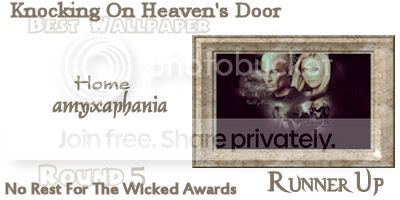
Lookie what I won!

37f052c0.jpg


And... I have no new art to post. Well, no new art that I can post here, I don't think. I made a banner for my new fic but one of the images is a little risqué so I don't think I'll risk it. 😛
 
S
Skytteflickan88
Oh, risky banners, love them. PM me. Thanks for planning to write the advice.
MinwaraYana
MinwaraYana
OMG. Congrats!! :D
X
xfivebyfive
Yay congrats Amy!!
M
msfantastico87
Congrats!!!!
caitaintdead
caitaintdead
Congrats Amy!
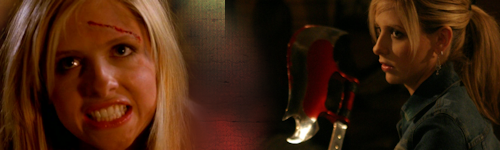
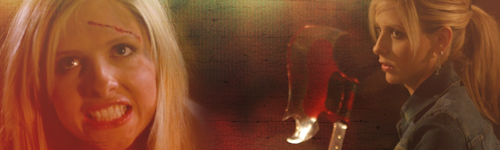
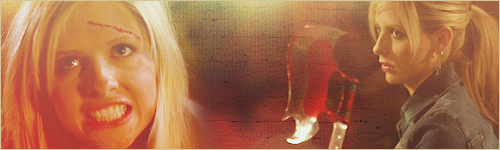
Okay, so that effect really is simple to achieve. I'm gonna use the base of this banner as an example.

-Find a texture and paste it onto your blank canvas as a new layer. Position it. I'm using this texture*.

-Take your screencap or picture and paste it as a new layer on top of the texture. Change the blend mode. In this case I changed it to Screen, but it varies from banner to banner depending on the screencap, and the texture used. For this technique I generally find myself using Screen, Lighten, Darken or Dodge. I then softened the edges of the screencap so Buffy's hair blended into the background a little better.

-I did exactly the same with the second screencap - pasted it on as a new layer and changed the blend mode to screen. Below I've included before and after.

Before:
before10.png


After setting blend mode of screencaps to 'Screen':
after10.png


-The rest of the banner was just altering the colouring and clarification. I copy merged the entire banner and set the blend mode to screen, which brightened it. I added a fill layer of [HASHTAG]#800080[/HASHTAG] on Exclusion, 6% which muted the colours ever so slightly. An Invert adjustment layer on Darken at 5% also helped acheive this.

-I copy merged again and used my "One Step Noise Removal tool" to soften the banner, before copy merging once more and sharpening.

banner12.png


Hopefully that's the effect you meant! I do this a lot, and it really is very simple - just changing the screencap's blend mode to suit the texture.

*Source unknown
 
BuffyElevated
BuffyElevated
Sweet tutorial! I'll have to try this one out! :)
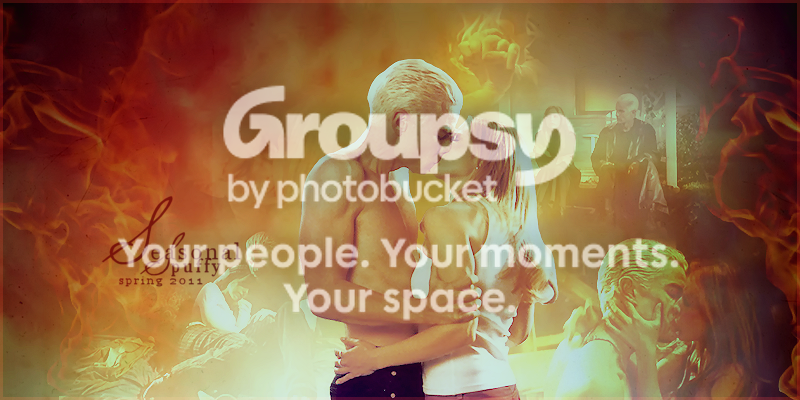
I made this banner a month or so ago but couldn't post it until now - it was for the Seasonal Spuffy header competition, and the results were only just revealed.

And I won! 😀

Anyway, thoughts and comments would be much appreciated! ♥

35a01b62.png
 
Akitta21
Akitta21
I wish I could express how much I love this..it's beyong amazing! :heart:
Status
Not open for further replies.
Back
Top Bottom