I'm not really sure what "banner splitting" is. Most of the time, i can figure out how to do it if I see it done with photoshop or something else, so if someone could explain what exactly it is, I could probably figure out how to do it.
Secondly:
Blends: yes, we have blends aka, gradients, also, you can download blends on deviant art, just search through the brushes and there are certain ones that are specificly blends. I personally don't like using blends, I think they take away from the image, they make it look dull, I'd much rather just play around with levels etc to get different colors but you can use your blends in different ways. Most people use them for avatars like I did here:
I'm not sure how you do it in photoshop, but if you want to do it in GIMP, open a new layer and then go to your gradients, play around with the colors (foreground color and background color) or pick one of the premade gradients and put it on the new layer, then change the transparency to your liking.
Thirdly:
Textures, again, not really sure how it works in photoshop, but if you would like to apply textures (other than the ones already made which I think are pretty generic) just search the internet for textures, if you see one that you like, save the image to your computer and then open it in gimp, putting it over top or underneath the image that you want it to be with. (finding example)
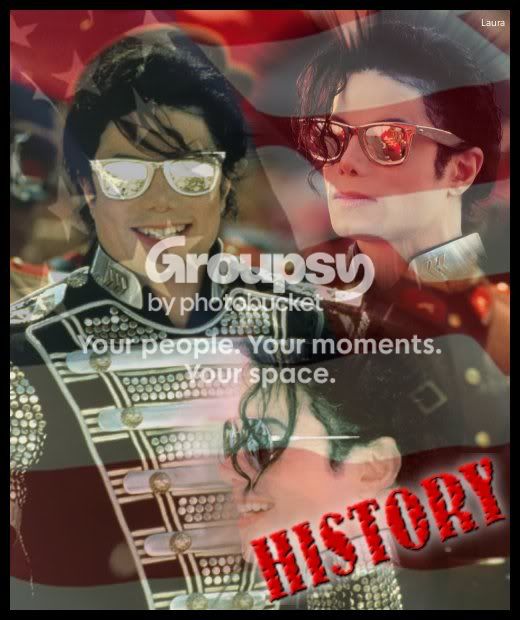
(the flag texture is just an image from google that I looked up and saved to my computer, then just added it to the image and adjusted the transparency)